YouTube Tutorials

Beginners Guide To Scratch
A simple walkthrough of the Scratch editor — sprites, blocks, and your very first project.

How to Make a Scratch Game
griffpatch recreates Geometry Dash in Scratch — a masterclass in game mechanics and design.
How to Make a Video Game in Unity
Brackeys' legendary beginner series — build a complete game in Unity from the ground up.
Make a Classic Arcade Game in GameMaker
Official GameMaker series walking you through building a classic arcade game step by step.
Tools
Unity
One of the most popular professional game engines in the world — great next step after Scratch.
GameMaker
A powerful 2D game engine used by indie developers worldwide — free to download and try.
TurboWarp Editor
A faster, more powerful version of Scratch with better performance for complex projects.
GB Studio
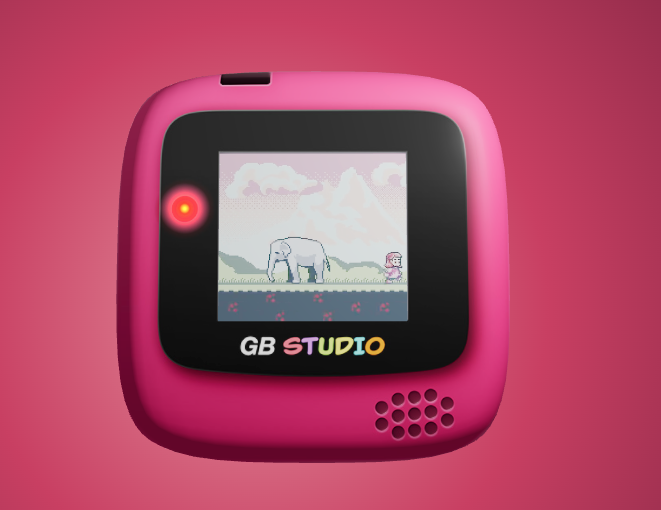
GB Studio
Free drag-and-drop game maker for creating real Game Boy Color games. No coding required to get started.

How to Make a Game Boy Game — GB Studio 4.0
Full walkthrough of GB Studio 4.0 — from setup to a playable Game Boy Color game. Made in 2024.

Make a Game Boy Game With GB Studio
A clear walkthrough of GB Studio — sprites, scenes, and getting a game running. Made in 2024.
Aseprite
Aseprite Tutorial for Beginners
Learn the basics of Aseprite to create pixel art sprites and game assets from scratch.
Aseprite Animation Tutorial
How to animate pixel art characters and effects in Aseprite for use in your games.
Procreate
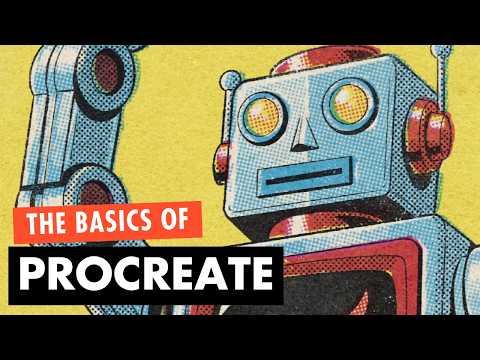
Procreate for Beginners
The only Procreate guide you'll need in 2026 — covers every essential tool and workflow.
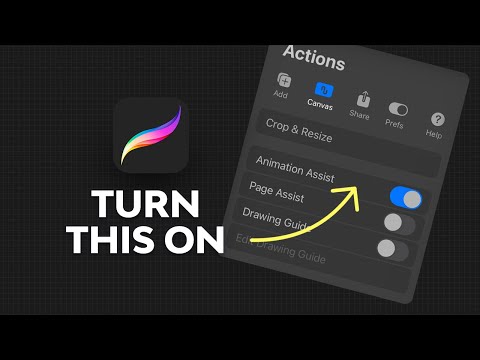
How to Animate in Procreate
A step-by-step Procreate animation tutorial — bring your characters and artwork to life.

Learn Procreate Fast
A beginner's guide to Procreate for digital illustration, concept art, and character design.
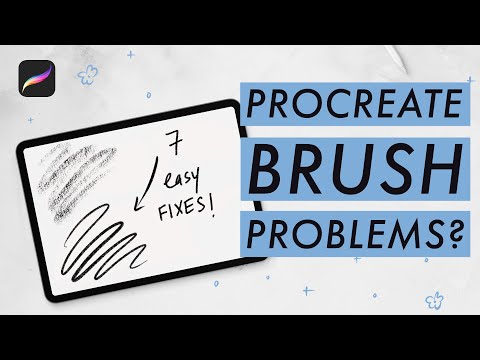
Procreate Tutorial
A Procreate tutorial recommended by Tru.
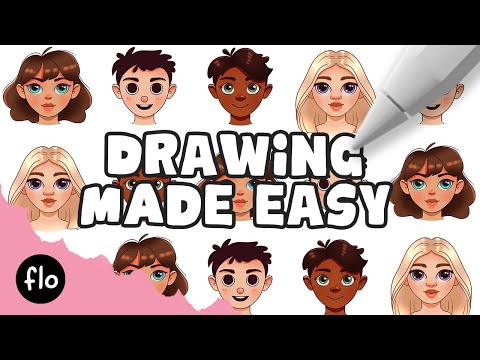
Create Your Own Character in Procreate
Easy step-by-step tutorial for designing your own original character from scratch.
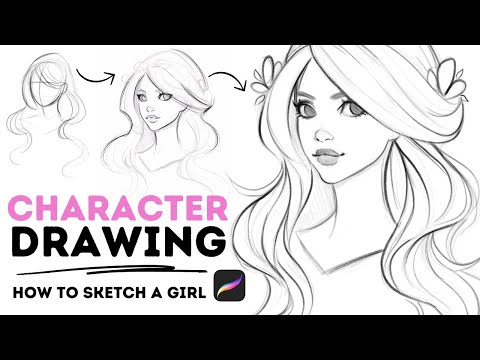
How to Draw Characters in Procreate
Learn how to sketch, line, and colour original characters using Procreate.
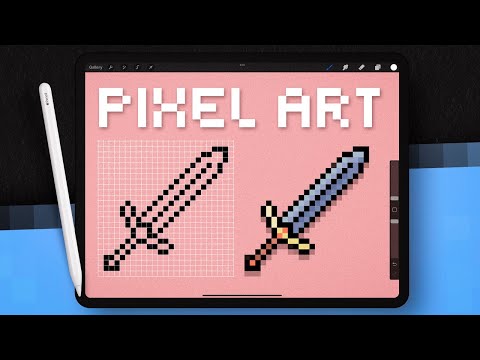
How to Make Pixel Art in Procreate
Full beginner guide — set up your canvas, create pixel brushes, and make retro-style art.
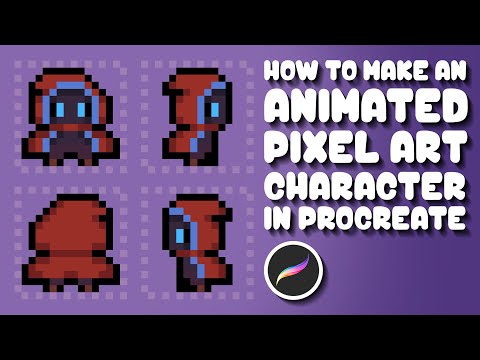
Animated Pixel Art Character in Procreate
Create and animate your own pixel art character — perfect for game sprites.
Stickers
Sticker Mule
The most popular sticker printer — great quality, fast shipping, and easy to use. Good for die-cut stickers and labels.
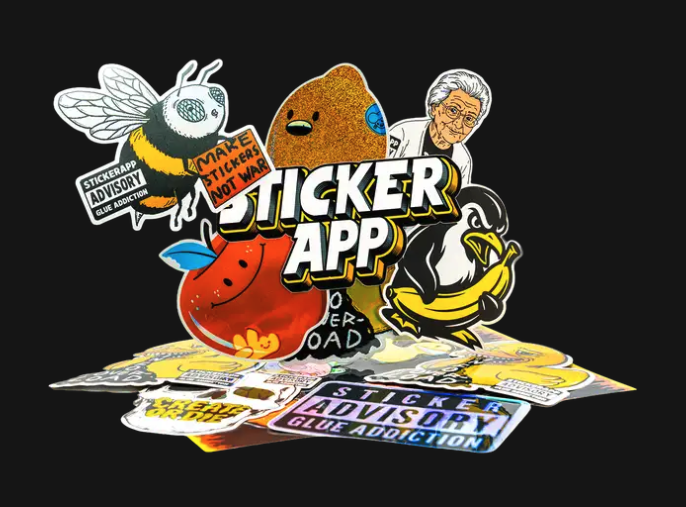
StickerApp
More finish options than Sticker Mule (holographic, clear, glitter) and better pricing on small runs.

StickerYou
Great for custom sticker sheets, kiss-cut pages, and iron-on transfers.
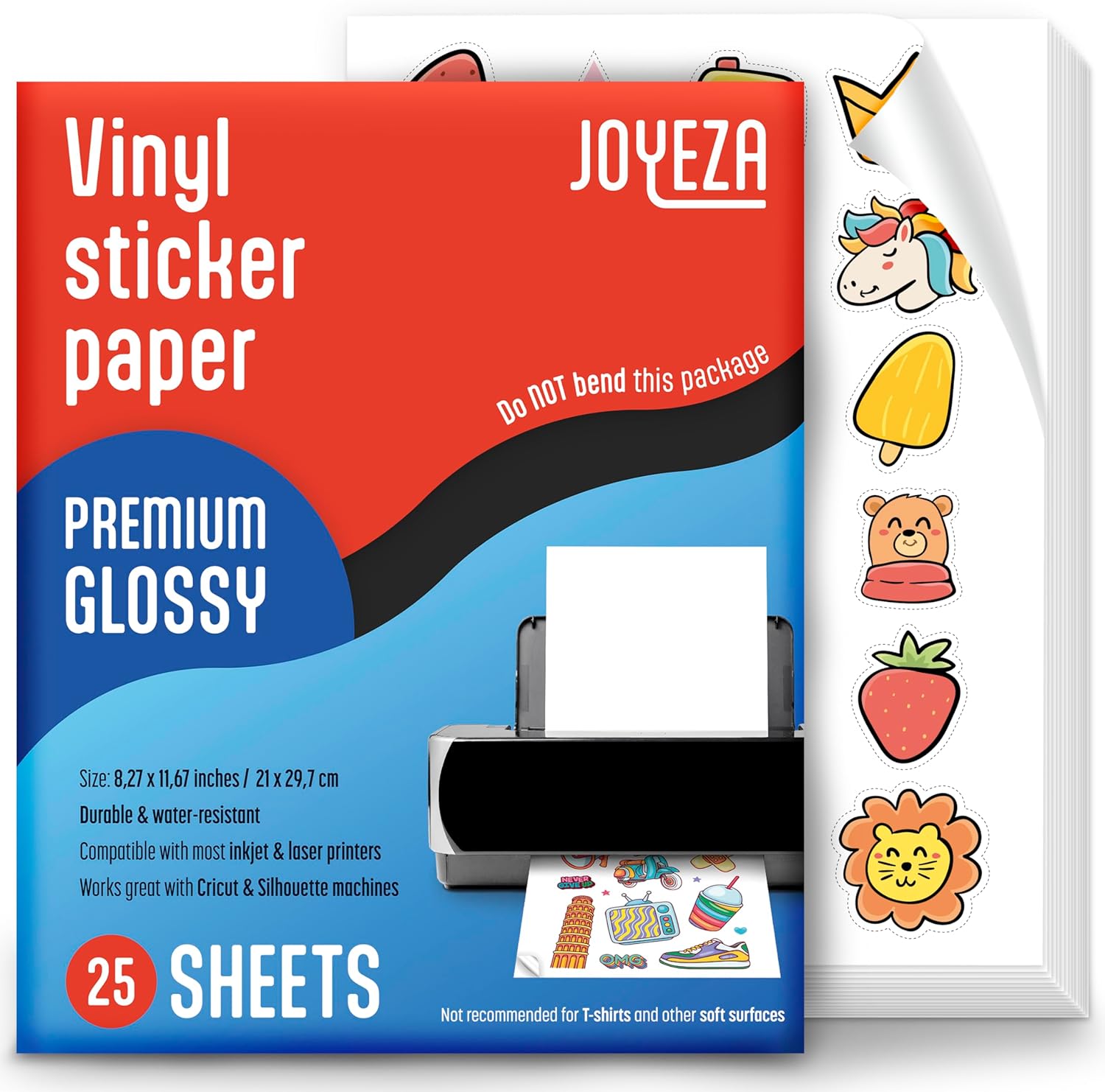
Joyeza Sticker Sheets
Premium printable sticker paper — waterproof and smudge resistant. Print your own designs at home.
DTF & UV DTF Transfers

Lion DTF
Upload your artwork and get DTF transfers shipped to you — just press onto a blank and you're done.
DTF Northeast
East Coast based — fast turnaround and great quality for small runs.
Ninja Transfers
Known for fast 24–48 hr turnaround, vibrant colors, and easy gang sheet ordering to save money.

Printholix
Springfield, IL based — voted "Best of the Best" by customers. Great if you're in the middle of the country.
Blanks — Shirts, Hats & Totes

Jiffy Shirts
Affordable blank tees, hoodies, and hats shipped fast. No minimum order.

Tote Bag Factory
Huge selection of blank totes, drawstring bags, and accessories at wholesale prices.

Everful Wholesale
Wholesale bags and totes at low minimums — canvas, non-woven, and cooler bags.
Custom Ink
Quality blank and custom shirts — easy design tool, reliable printing, wide range of styles.
Print on Demand
Printify
The one I use. Upload your design and get it printed on shirts, hoodies, mugs, and more. Ships direct to your customer.
Printful
Premium quality POD — they do their own printing so quality is very consistent. Slightly higher prices but worth it.
Gelato
Best for fast delivery — they print locally wherever your customer is, which means less shipping time and cost.
Vistaprint
Great for business cards, stickers, and small runs of branded merch. Easy to use with lots of product options.
FedEx Office
Need something printed today? FedEx Office is the fastest local option — stickers, posters, transfers, and more.
CustomCat
Very fast US shipping and some of the lowest base prices in POD — good when you're ready to scale up volume.
Tools
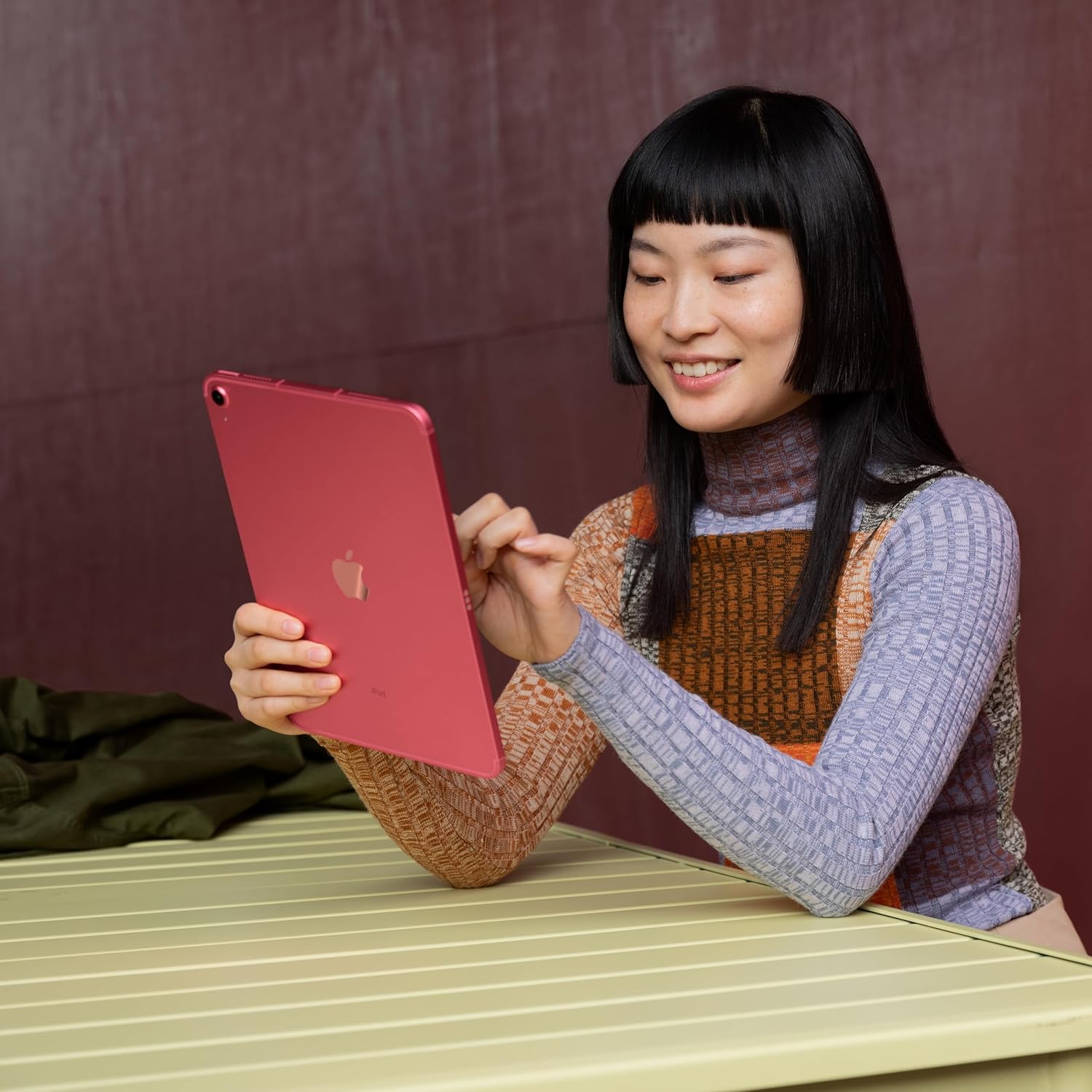
iPad
The best device for digital drawing, designing your merch, and building games on the go.
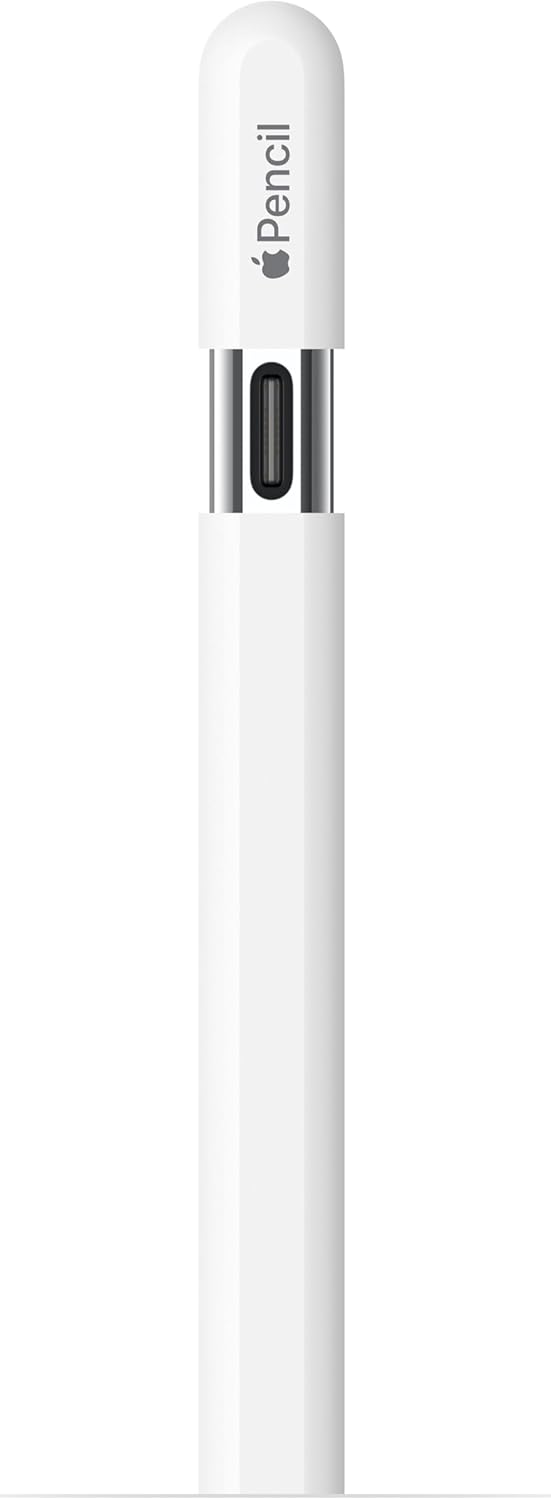
Apple Pencil (USB-C)
Draw directly on your iPad with precision — essential for creating original artwork for your merch.
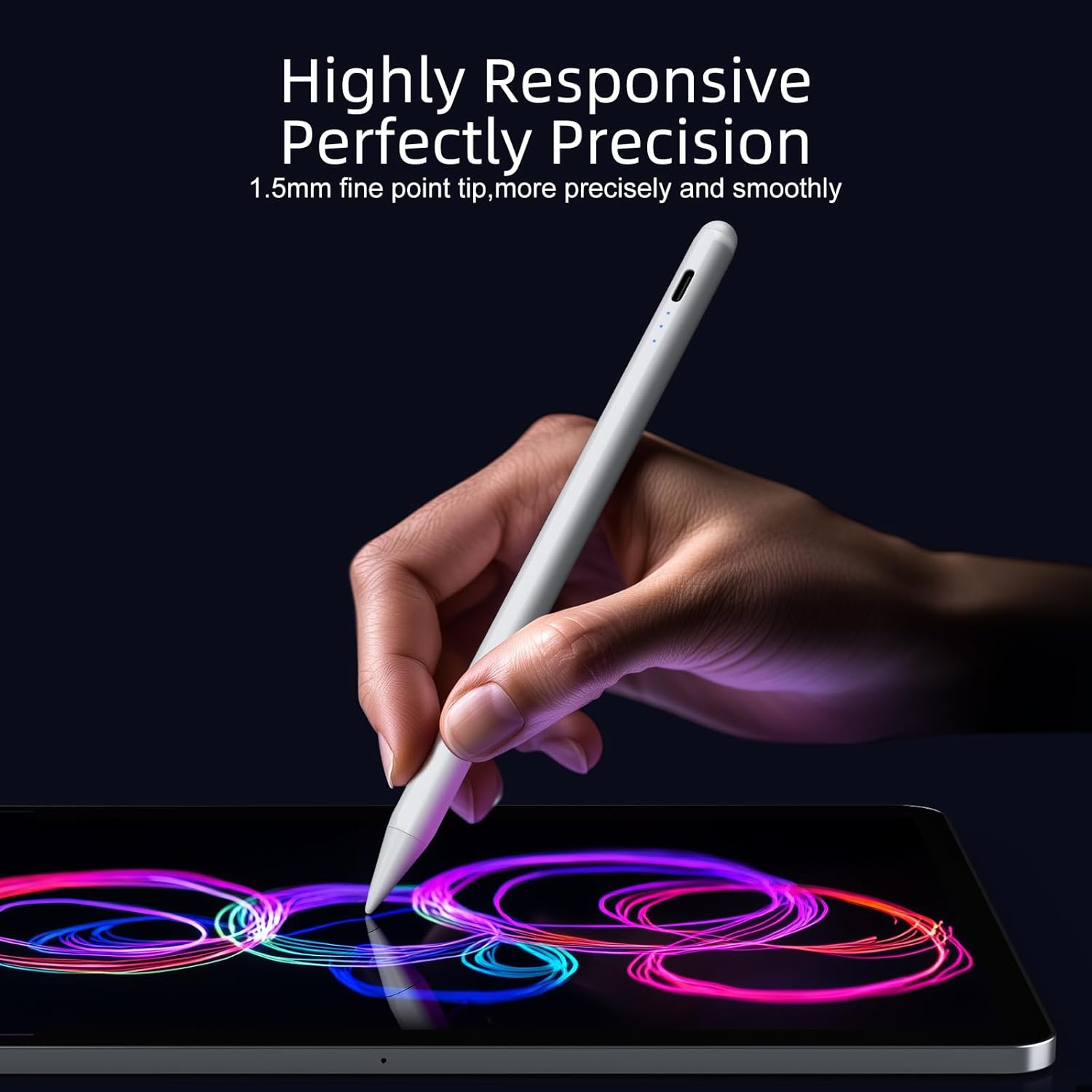
JAMJAKE Stylus (Budget Pick)
A great cheaper alternative to the Apple Pencil — palm rejection, tilt sensitivity, charges in 10 minutes.
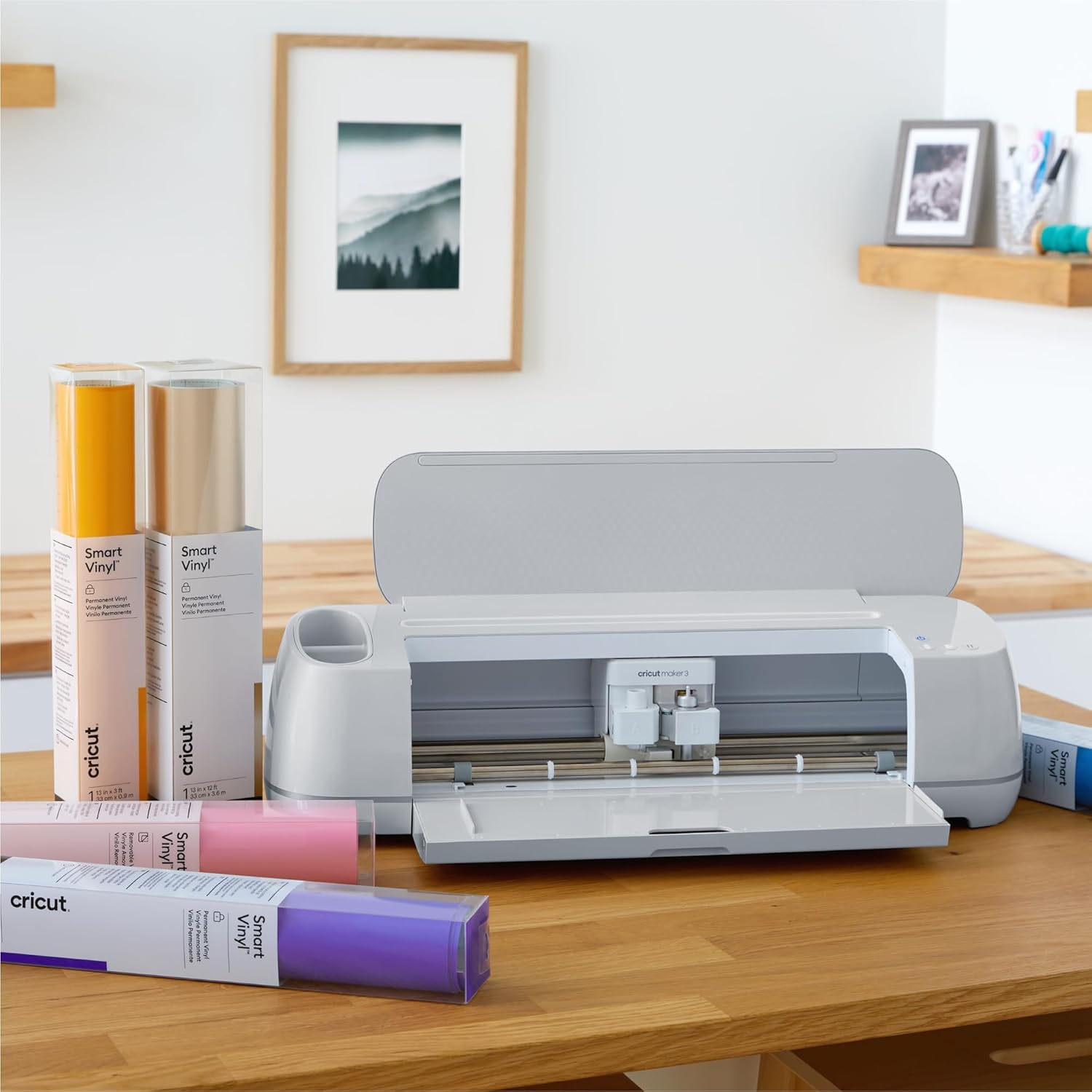
Cricut Maker 3
Cut vinyl, iron-on, and cardstock for stickers, decals, and custom apparel designs.
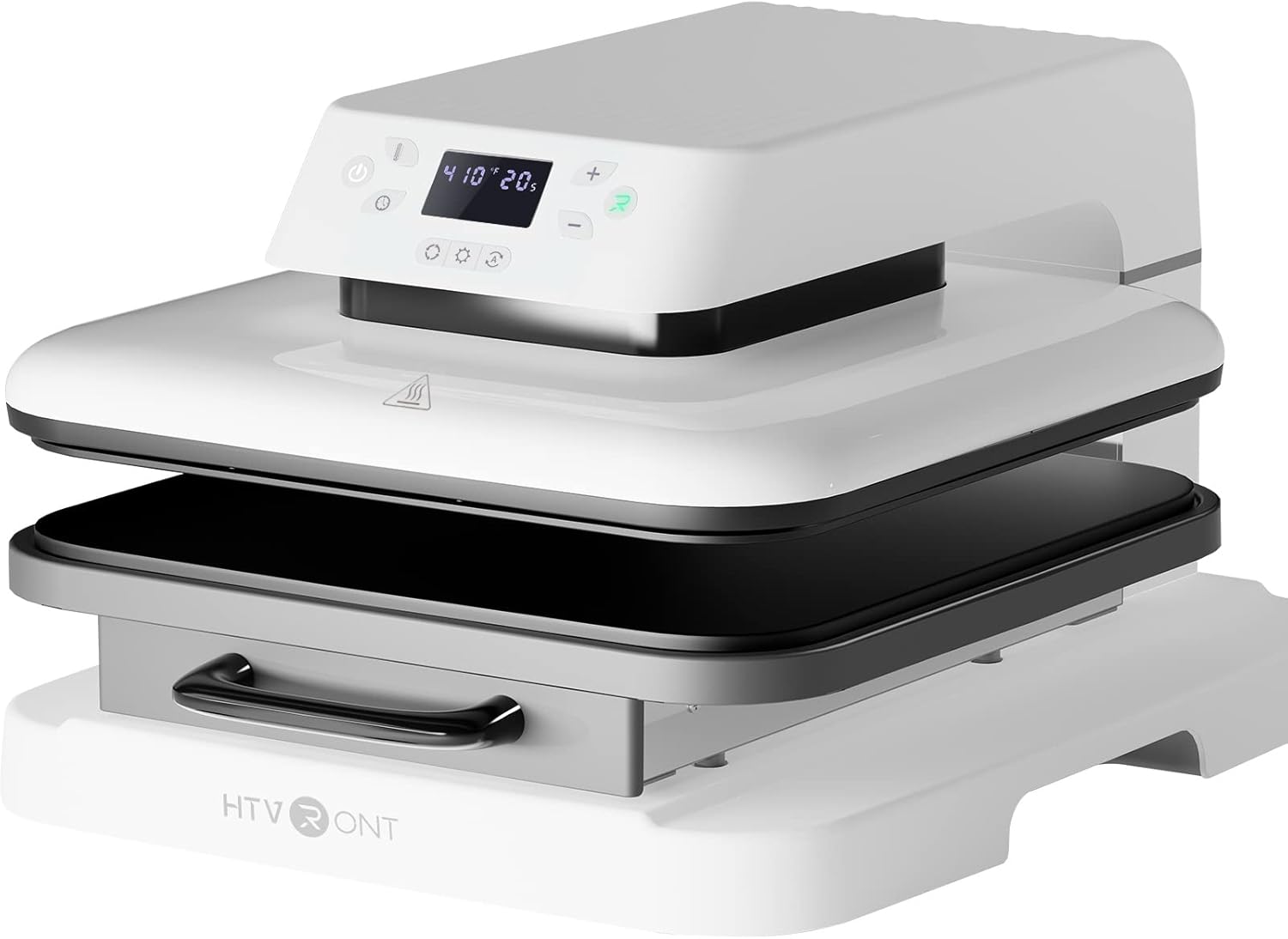
Heat Press
Press DTF transfers or iron-on vinyl onto shirts, hats, and bags. A must if you're making your own merch.
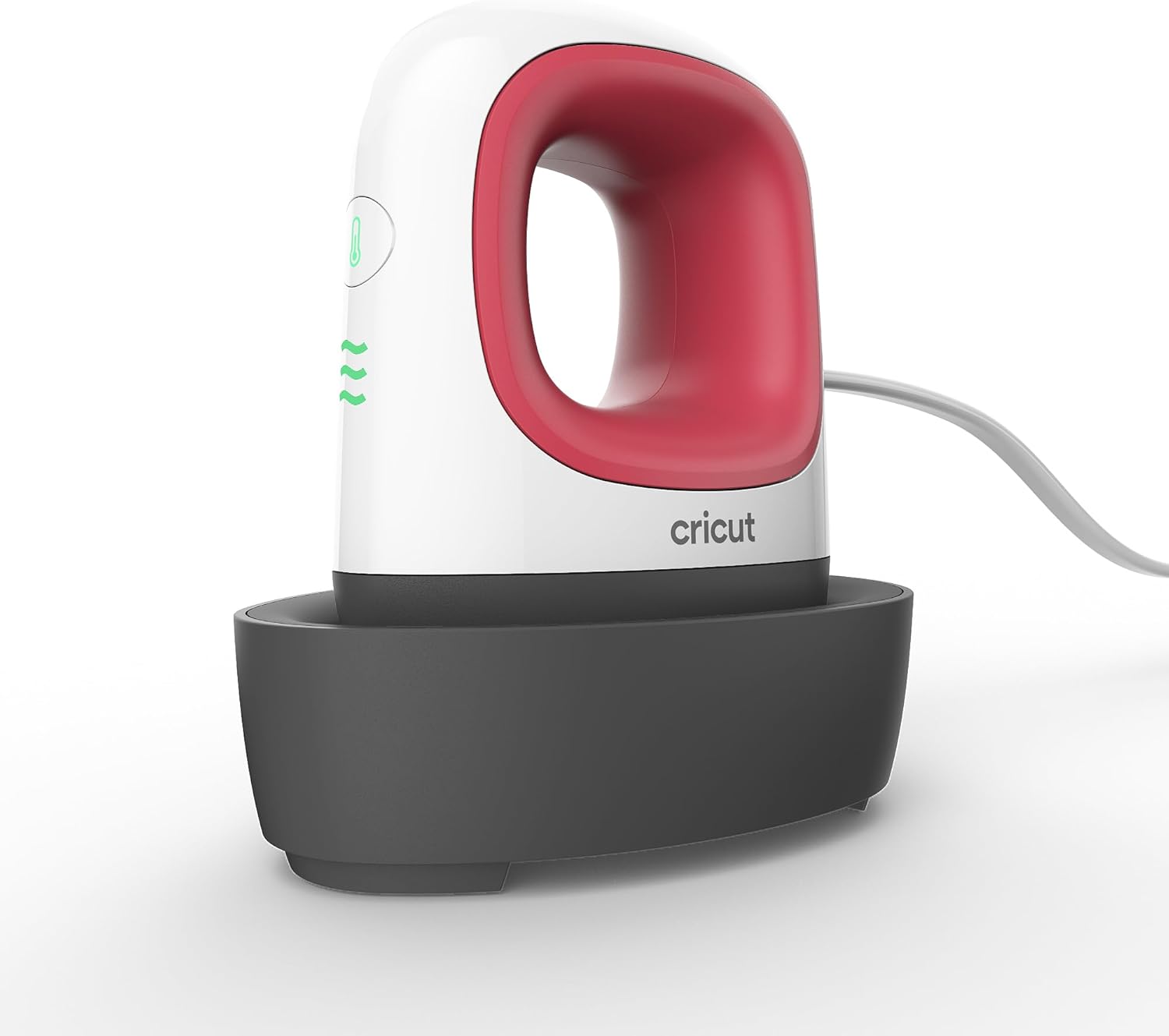
Cricut EasyPress Mini
Perfect for smaller projects — hats, pockets, sleeves, and patches. Compact and easy to use.
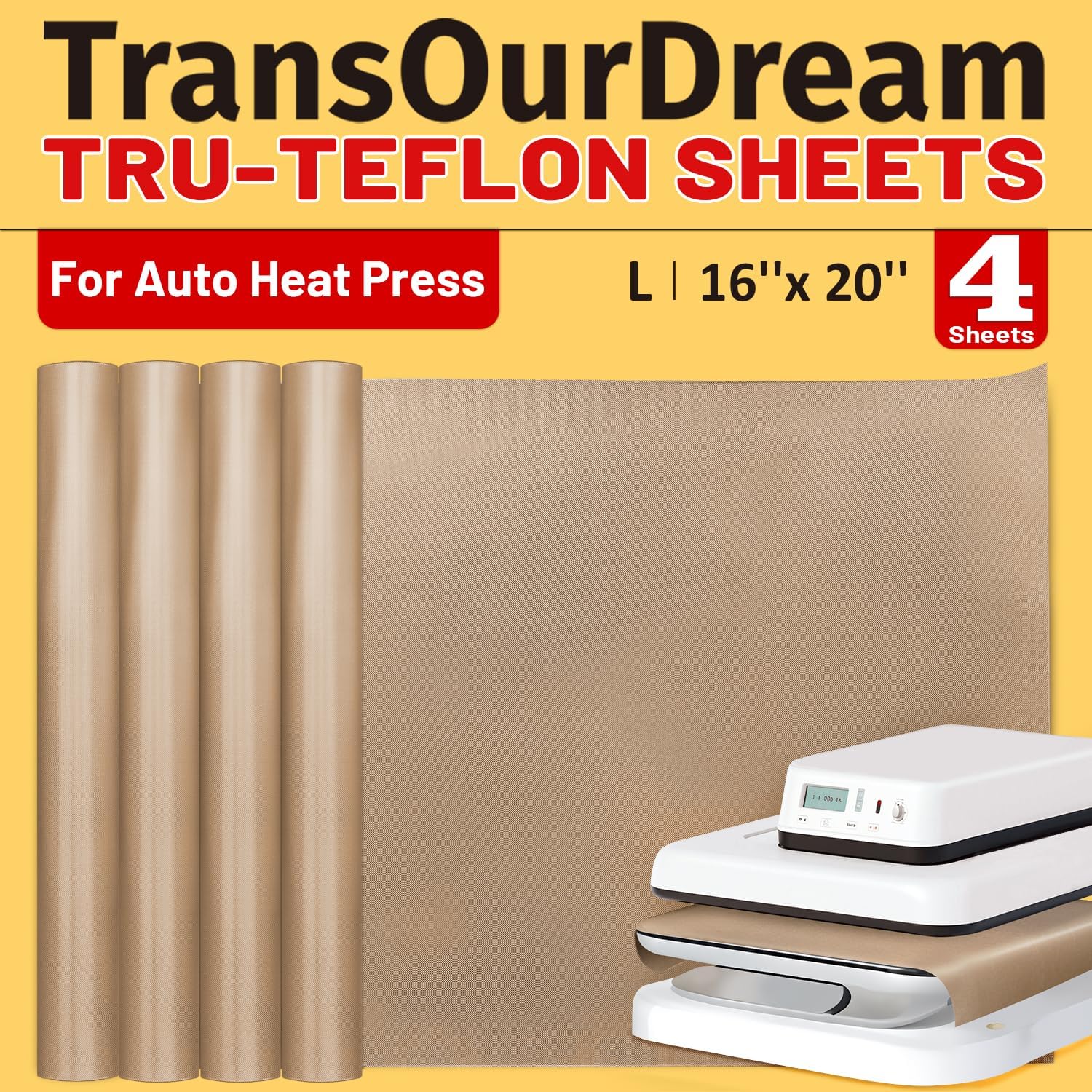
Teflon Sheets
Protect your transfers and heat press from scorching. Always use one when pressing.
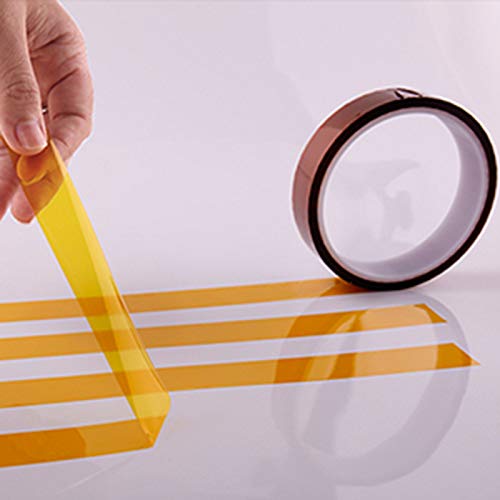
Heat Resistant Tape
Keep your transfers in place while pressing so nothing shifts or wrinkles.
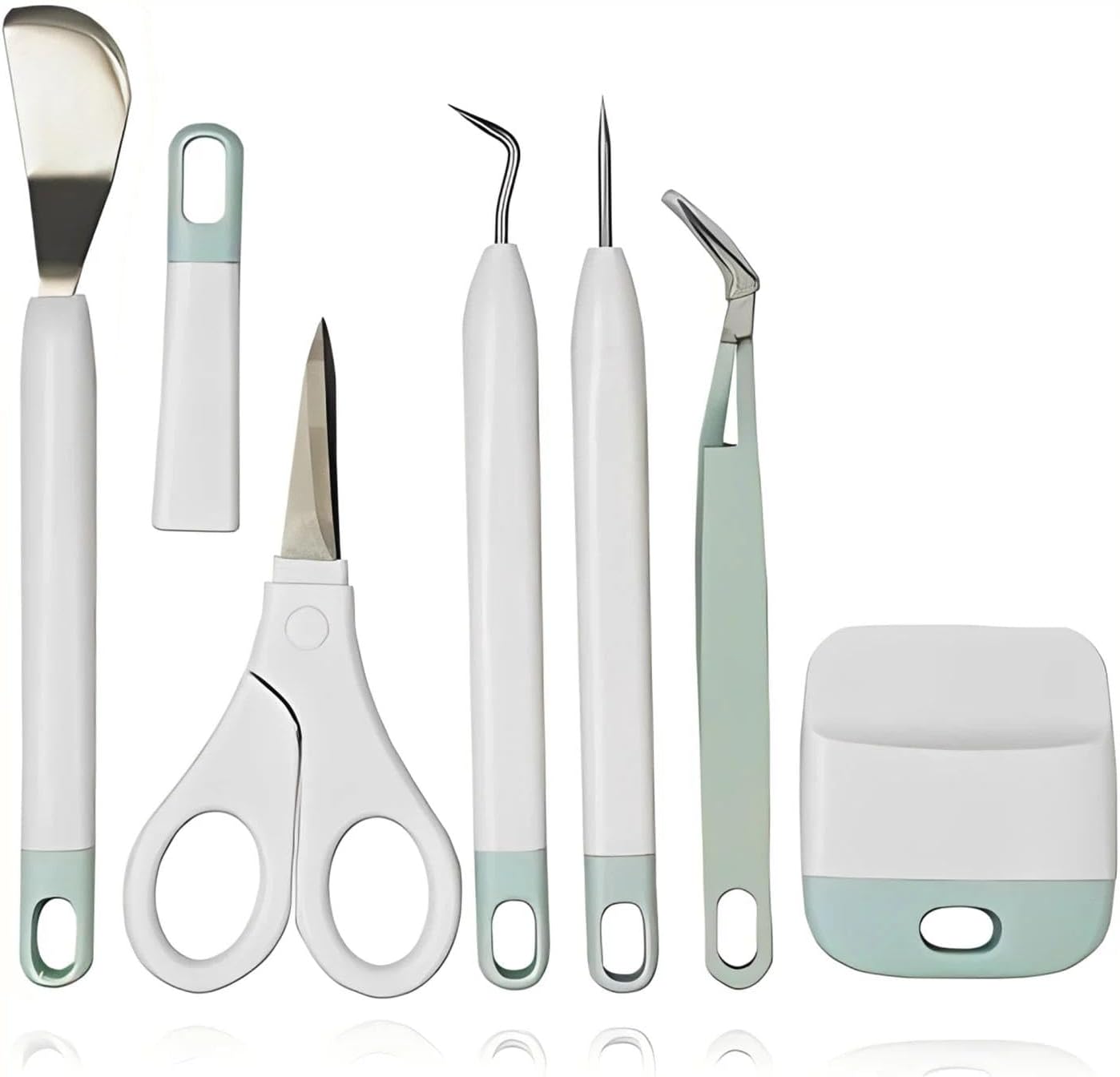
Weeding Tools
Pick out excess vinyl from your Cricut cuts cleanly and easily.
Game Boy Cartridges
insideGadgets
The go-to for custom GBC flash carts. Upload your ROM, pick your PCB colour, minimum 25 carts. Tested before shipping.
Hand Held Legend
Empty GBC cartridge shells in many colours — the housing that holds your PCB and makes it look like a real game.
Retro Game Repair Shop
High quality GBC replacement shells — great fit and finish for your custom cartridge.
eBay — Game Boy Color
Best place to find an original GBC console. Look for "tested and working" listings in whatever colour you want.
YouTube Tutorials

How to Use a Cricut for the First Time
Unboxing, setup, and first projects — stickers, vinyl, and heat transfer. Great starting point if you just got a Cricut.
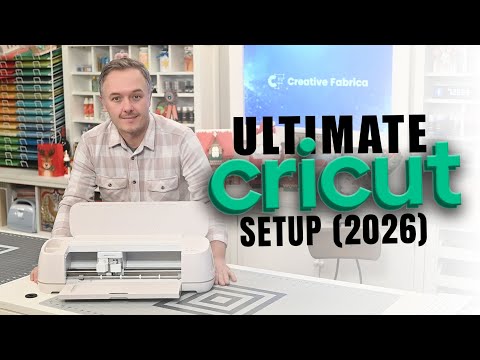
New Cricut? Complete Setup & First Cut Guide
Covers the Maker and Explore 4 from box to first cut — including Design Space setup and your first project.
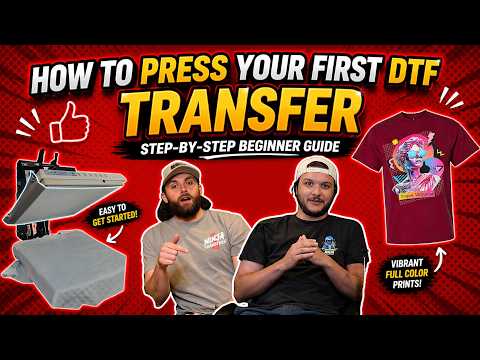
How to Press Your First DTF Transfer
Step-by-step beginner guide — upload your design, order the transfer, and press it onto a shirt with a heat press.
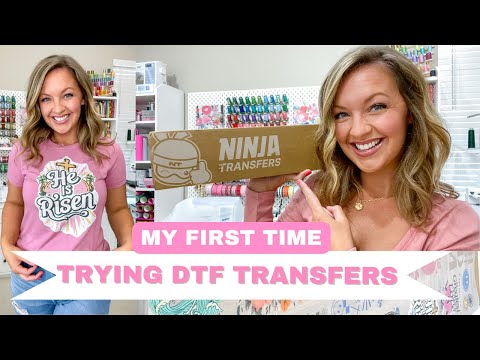
DTF Transfers — Start Making Custom Shirts
How to apply DTF transfers to t-shirts and sweatshirts using just a heat press. No screen printing needed.
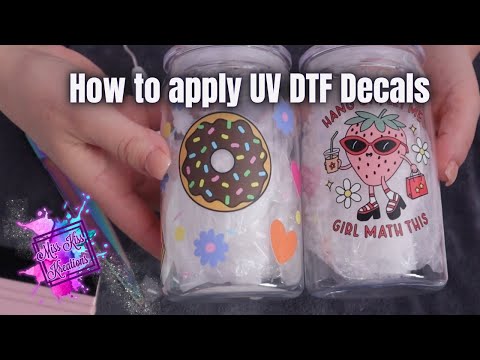
What Are UV DTF Decals?
Intro to UV DTF — what they are, what surfaces they stick to, and how to apply them. Good first watch before you order.
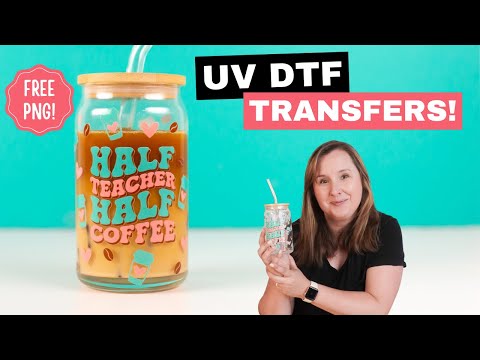
UV DTF — Small Decals & Full Cup Wraps
How to apply UV DTF transfers to cups, mugs, and hard surfaces. Covers both small decals and full wraps.